01 / NEW PC
Full Setup
For a first VaanPlay installation on a Windows x64 PC. Includes Client, Channel Server and Preview Player.
VAANPLAY_V223_SETUP.exe759 MiB
Request Full Setup VAANPLAY / WINDOWS SOFTWARE
Choose the package that matches your PC. V223 is supplied directly by SR Network while public file delivery and final on-machine checks are completed.

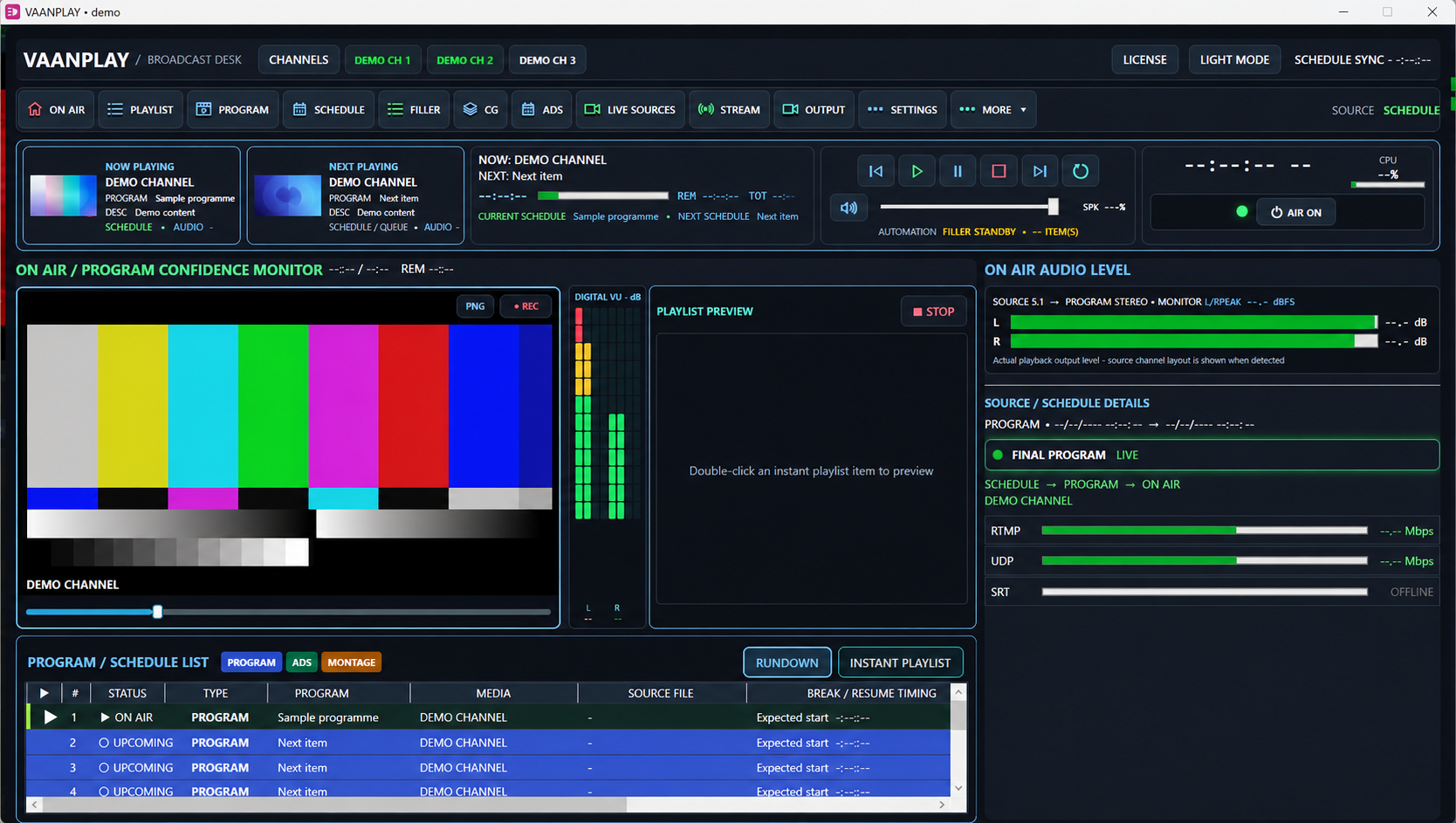
Public demonstration image with channel details replaced.
01 CHOOSE YOUR PACKAGE
Both packages contain V223. The update is intended for supported V221 or V222 installations.
For a first VaanPlay installation on a Windows x64 PC. Includes Client, Channel Server and Preview Player.
For a supported V221 or V222 installation. The update verifies an operator-data backup before program files are replaced.
02 REQUEST YOUR COPY
Complete every field and send your request directly to SR Network. We use these details to contact you about the selected VaanPlay package.
Delivery: Submitting the form sends a request to SR Network. It does not start a file download. SR Network supplies the appropriate package and activation guidance after reviewing your request.
03 BEFORE INSTALLING
Protect your channel data, install the correct package, and check the result before broadcasting.
Say whether this is a new PC or an existing V221/V222 installation.
Keep a separate copy of licenses, schedules and CG projects. Close Client, Server and Preview before updating.
Confirm license and channel data, then test the received output before going on air.
04 NEED HELP?
Ask us which installer matches your PC and what to check before broadcast.